Controls
Use the left mouse button to interact with the in-game UI.
Use the left mouse button to interact with the in-game UI.
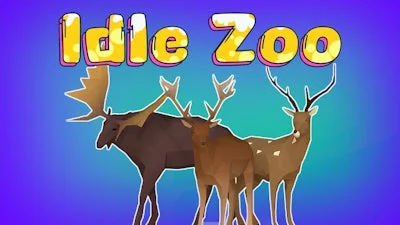


Imagine a bustling 3D zoo that runs itself while you sit back and watch the crowds grow. Idle Zoo blends simulation depth with pure idle satisfaction. Every new animal you collect adds a fresh attraction, every upgrade draws more visitors, and every click pushes your park toward the next level of fame. PlayHop delivers a crisp, fast‑paced experience that feels both rewarding and effortless. If you love watching a virtual ecosystem thrive without grinding, this is the park you’ve been waiting for.
Master the core loop in seconds. The game’s UI responds to a single left mouse button click, making navigation buttery smooth. From there, the depth unfolds:
Winning isn’t about endless tapping; it’s about smart placement. Start with high‑traffic mammals, then sprinkle in exotic birds to keep the crowd curious. Upgrade enclosures in a tiered order—first capacity, then aesthetics—to maximize the Idle income per second. Keep an eye on the Animal happiness meter; a satisfied herd draws premium ticket sales. Seasonal events pop up regularly, offering limited‑time species that boost your collection and provide a burst of extra cash. Balancing short‑term upgrades with long‑term research keeps the loop fresh and the numbers climbing.
Ready to build the most talked‑about zoo on the planet? Jump into Idle Zoo now and watch PlayHop’s flawless 3D engine turn your animal empire into a living, breathing attraction. The park is waiting—let the visitors flood in!
Use the left mouse button to interact with the in-game UI.