Survive the Undead Rush with PlayHop's Zombies Rush
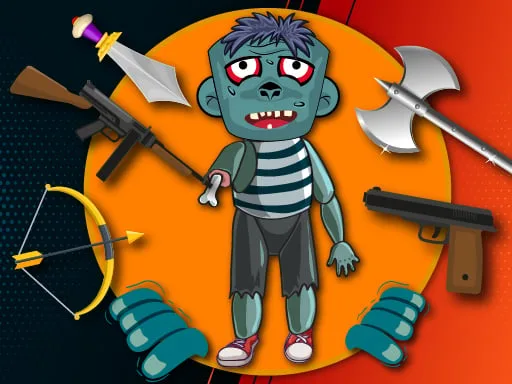
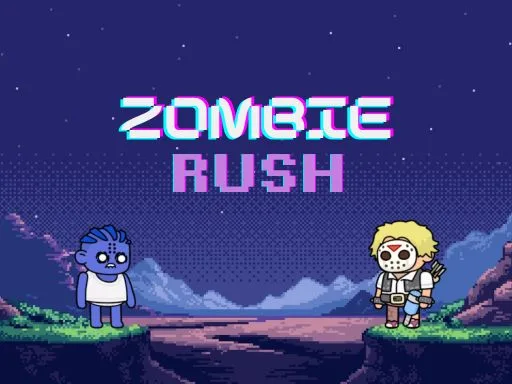
Are you ready for a heart-pumping, action-packed survival experience? Look no further than Zombies Rush, a 2D, top-down shooter from PlayHop that's designed to test your skills against an endless, evolving horde of undead. As a lone survivor, you'll need to think fast and move faster to outmaneuver the zombies and stay alive. With its fluid gameplay and stylized graphics, Zombies Rush brings a fresh take to the classic zombie survival genre.
Master the Mechanics
Controlling your character is easy, but mastering the gameplay is a different story. On desktop, use your mouse and keyboard to move and shoot. On mobile, simply touch and drag to control your character's movement. Here are the detailed controls:
- Desktop: Mouse & Keyboard - Move: Direct Hold & Drag - Left Click
- Your character follows the direction of your mouse from their current position
- Keyboard: Use WASD or Arrow Keys for classic directional movement
- Mobile: Touch & Drag
Develop Your Strategy
As you progress through the game, the zombies will get faster, smarter, and deadlier. To stay ahead, you'll need to develop a solid strategy. Focus on quick reflexes and clever movement to outmaneuver the undead. Learn to use the environment to your advantage, weaving through trees and obstacles to avoid getting caught. With each wave, you'll need to adapt and evolve your tactics to survive.
Looking for a thrilling 1 Player experience that's full of action and suspense? Look no further than Zombies Rush, a premier example of a Hypercasual Shoot 'Em Up game. As a Casual gamer, you'll love the easy-to-learn controls and increasingly challenging gameplay. And if you're a fan of survival games or zombie apocalypses, you won't want to miss this 2D Action packed experience.
Ready to put your skills to the test? Head over to Zombies Rush to start playing now, or visit the PlayHop homepage to explore more exciting games like this Shooting game.
Desktop Mouse amp Keyboard Move amp Direct Hold amp Drag Left Click Your character follows the direction of your mouse from their current position Keyboard Use WASD or Arrow Keys for classic directional movement Mobile Touch Touch amp Dra