Click to play
x
Controls

Trump Town Tycoon

















Click to play
This game is not available on mobile.

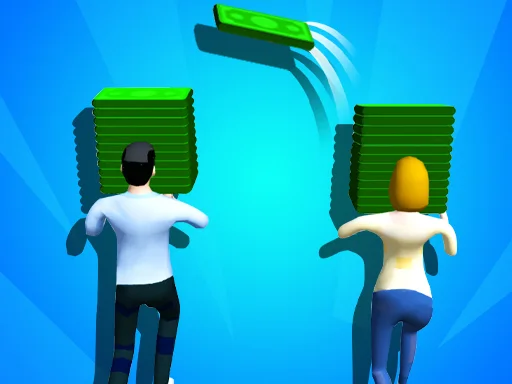
Take charge of a chaotic, cartoon‑styled 2D city where every brick counts. You’re the mayor, the builder, the mastermind behind the most infamous wall in gaming history. Every decision shapes the skyline, the economy, and the ever‑growing crowd of supporters. If you love watching numbers climb and watching your town transform from a dusty plot to a bustling metropolis, this is the management challenge you’ve been waiting for. PlayHop delivers a fresh spin on the classic tycoon formula, mixing humor with hardcore strategy. Your town isn’t just a backdrop—it’s the engine that fuels the hype.
All actions boil down to one simple input: click. Point, click, and watch structures rise. The interface is clean, the feedback instant. No confusing menus, just pure building bliss. Master the timing, watch your resources flow, and keep the town humming.
Start small. Plant a few houses, hook up power, and watch the tax revenue rise. Early cash lets you unlock the first wall segment—your signature piece. Expand outward, diversify income streams, and keep the citizen satisfaction meter high. Neglect one sector, and protests will erupt, draining funds faster than a bad trade deal. Upgrade roads to speed up construction, invest in entertainment venues to boost morale, and balance the budget like a seasoned politician. Remember, each wall block adds prestige but also costs upkeep. Timing upgrades with revenue spikes is the key to sustainable growth. PlayHop’s clever AI will throw random events—storms, rallies, budget audits—so stay adaptable. Keep an eye on the 2D map’s hotspots; those are gold mines waiting to be developed. The deeper you dive into management, the more rewarding the payoff.
Ready to stack bricks, raise the wall, and dominate the leaderboard? Jump straight into Trump Town Tycoon and prove you’ve got the guts to run the most talked‑about town ever built. The city awaits—start building now!





















