The Undisputables Online Multiplayer Throws You Into the Fire
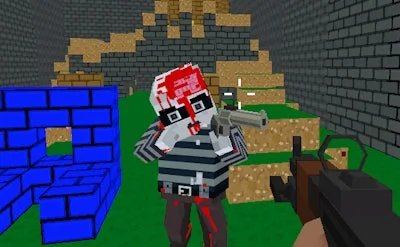
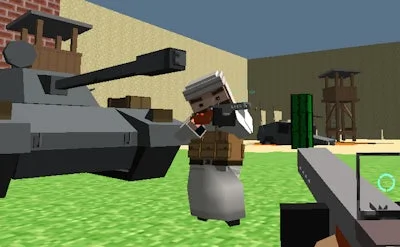
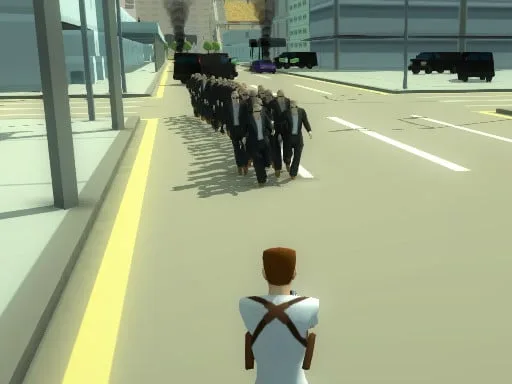
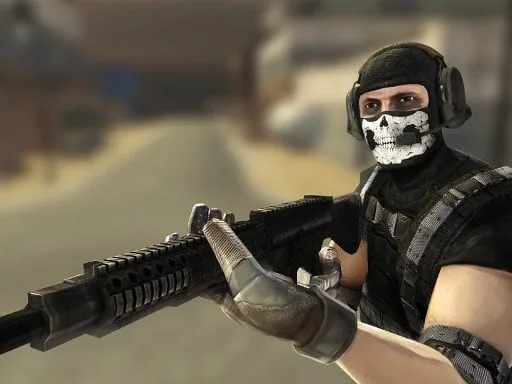
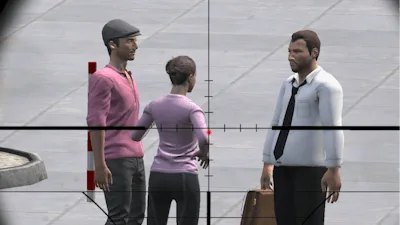
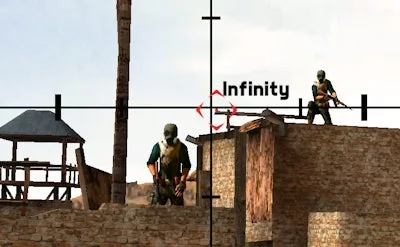
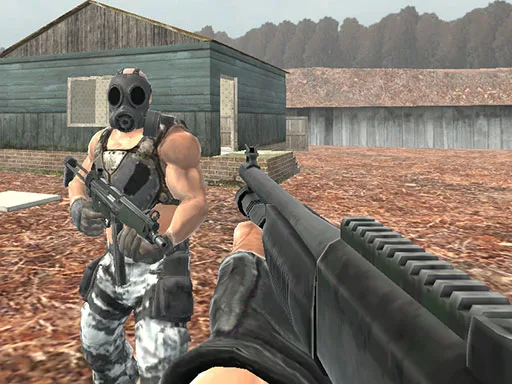
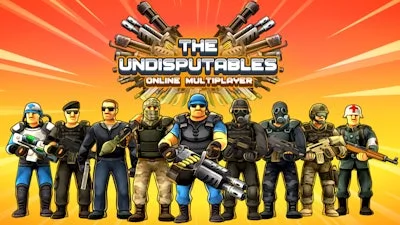
Picture a chaotic war zone rendered in bright, cartoon‑styled 3D. The Undisputables Online Multiplayer lets you pick a class, lock a gun, and storm the battlefield with players from every corner of the globe. Every match feels like a fast‑paced FPS, but the third‑person perspective gives you the full picture. Whether you’re grinding solo or teaming up with friends, the game rewards reflexes, positioning, and raw firepower. It’s not just another shooter – it’s a relentless, ever‑shifting war where each kill pushes you closer to the top of the army leaderboard.
Core Controls & Combat Flow
Movement is simple, aim is deadly. Master the layout, and you’ll dominate any map.
- Controls A / left arrow key / controller left axis = move left
- D / right arrow key / controller right axis = move right
- W / up arrow key / controller up axis = move forward
- S / down arrow key / controller down axis = move backward
- Left-click / controller button 5 = shoot
- Right-click / controller button 4 = iron sight / aim (sniper only)
- Space / mouse wheel up / controller button 1 = jump
- G / middle mouse button / controller Button 2 = throw grenade
- R / controller button 3 = reload
- Esc (pressed 2x) / controller button 6 = open / close settings menu
- Tab / controller button 7 = open / close players list (You can also change the game controls in the Settings menu.)
Winning the War With Smarts and Skill
Map awareness is your first weapon. Stick to high‑ground when you can, but never lock yourself into a dead‑end. Switch guns on the fly; a rapid‑fire SMG shines in close corridors, while a sniper rifle dominates open fields. Grenades break fortified positions and force enemies out of cover. Keep an eye on the kill feed – spotting a rival’s reload pattern can give you the opening you need. In squad mode, coordinate fire zones and rotate roles. A balanced team of assault, sniper, and heavy‑machine‑gun players can out‑maneuver any opposing army. Earn experience points to unlock skins, weapon upgrades, and new class abilities, keeping the progression loop fresh and addictive.
Ready to prove you’re unstoppable? Grab your controller, jump into a match, and show the world why you’re undisputed. Install now, rally your squad, and dominate the leaderboards. PlayHop delivers the arena; The Undisputables Online Multiplayer delivers the chaos. Join the fight today.