Spatial Inverse: Gravity Puzzle Adventure – Gravity Gets a Make‑over
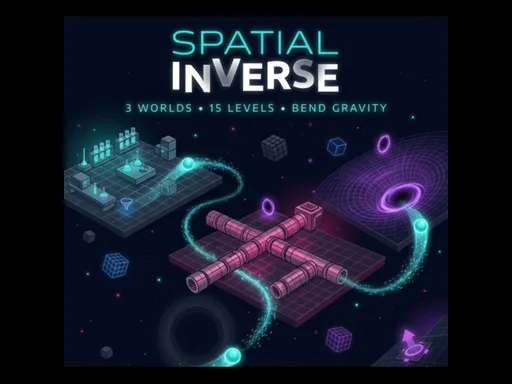
Imagine a world where the floor can become a ceiling in the blink of a click. Spatial Inverse flips physics on its head, forcing you to think in three dimensions while guiding glowing marbles to their targets. As a 1 Player experience, it strips away distractions and lets the brain‑muscle work. If you crave a fresh Adventure that blends Logic, Science, and pure Puzzle fun, this title is the missing piece in your 2026 games lineup.
Mechanics
Controls are lean, precise, and instantly intuitive. Master the grid, place gadgets, and watch gravity obey your commands.
- Left Click Place a selected gadget on the grid interact with UI
- Right Click Remove a placed gadget or rotate bounce pads
- Spacebar Play Stop simulation
- R Key Reset the current level
- F Key Toggle Fast-Forward speed during simulation
- E
Strategy
Every level is a sandbox of Blocks, Bricks, and bounce pads that act like a living puzzleblock. Start by mapping the marble’s path, then identify choke points where gravity can be reversed to create new routes. The key is to place a Block just before a drop, then flip the field so the marble slides sideways instead of falling. Keep an eye on momentum; a well‑timed fast‑forward can catapult the marble over a gap that looks impossible at normal speed. Progression isn’t just about adding more gadgets; each world introduces a fresh Physics twist—magnetic fields, anti‑gravity zones, and rotating platforms that demand a shift in mindset. Treat every new mechanic as a clue, not a hurdle, and you’ll stay ahead of the curve.
Ready to test your mind against one of the Best Games of the year? Grab a seat, fire up Spatial Inverse: Gravity Puzzle Adventure, and see how far your logic can stretch. The challenge is real, the satisfaction is instant, and PlayHop has delivered the ultimate physics playground for solo gamers who love to think.
- Left Click Place a selected gadget on the grid interact with UI - Right Click Remove a placed gadget or rotate bounce pads - Spacebar Play Stop simulation - R Key Reset the current level - F Key Toggle Fast-Forward speed during simulation - E