Santa Claus Differences: The Ultimate Holiday Clicker Challenge
Santa Claus Differences is a fun and educational Christmas game designed for Kids and families to enjoy together. Developed by PlayHop, this game is perfect for the Holiday season, with its colorful and festive graphics that will get you in the mood for Winter fun. The game's simple yet challenging concept makes it an excellent choice for players of all ages, helping to improve observation and concentration skills.
Game Mechanics
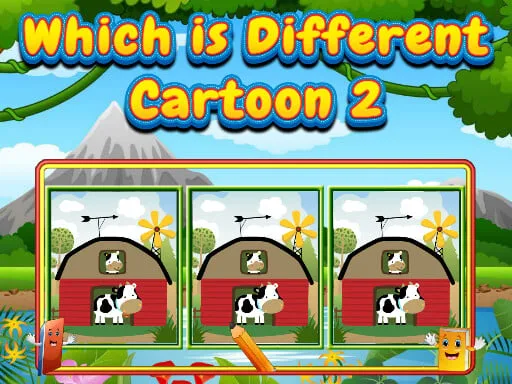
The gameplay is easy to pick up, with intuitive controls that make it accessible to everyone. You can play Santa Claus Differences on your Mobile device, using either your mouse or touching the screen to interact with the game. The Point And Click mechanics are straightforward, allowing you to focus on finding the differences between the two images.
- Use mouse or touch the screen to select and identify differences
- Find 7 differences in each level within the given time limit
- Progress through 10 levels, each with unique and fun designs

Strategy and Progression
As you play through the levels, you'll need to develop your Skill and strategy to find all the differences within the time limit. Pay close attention to the details, and use your observation skills to spot even the smallest differences. With each level completed, you'll become more proficient and confident in your ability to find the differences, making the game an enjoyable and rewarding experience. PlayHop has designed Santa Claus Differences to be a fun and challenging game that's perfect for playing during the Holiday season.
So why wait? Head over to Santa Claus Differences to start playing now, or visit the PlayHop homepage to explore more exciting games. With its unique blend of fun and education, Santa Claus Differences is the perfect Clicker game to enjoy with your family and friends this Christmas. PlayHop wishes you a happy holiday season, and we look forward to seeing you in the game!
Use mouse or touch the screen