Click to play
x
Controls
KeyBoard Controls

Roller Sky 3D












Click to play
This game is not available on mobile.

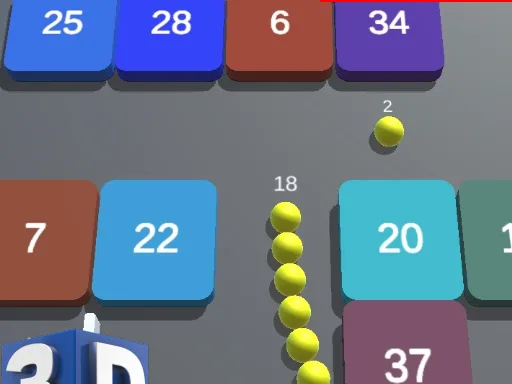
Roller Sky 3D drops you into a neon‑lit tunnel where a single ball rockets forward at breakneck speed. Your mission? Dodge relentless obstacles, chase the highest score, and prove you’ve got the reflexes to dominate this 3D madness. One tap, one swipe, endless rush – it’s the perfect pick‑up for anyone who loves fast‑paced Action games.
Control feels like second nature. Tilt your device or press the keyboard to steer, tap the boost belt to surge ahead, and watch the ball glide through a world built on Unity3D. The physics are tight, the visuals pop, and every collision feels final.
Survival isn’t about raw speed; it’s about reading the tunnel. Early runs let you learn the rhythm of Obstacle patterns – notice the spacing, anticipate the sudden spikes, and use boost only when the path clears. As you climb the leaderboards, the game throws in Crazy variations: tighter gaps, faster belts, and even themed sections that feel like a School of reflex training. Keep an eye on the color‑coded cues; they hint at upcoming hazards. Master the timing, and the Best scores become a habit, not a fluke.
Roller Sky 3D shines as a 1 Player experience, but the competition is fierce. Share your top runs on .io leaderboards, challenge friends, or compare stats with other .io Games fans. Whether you’re a Boy or Girl, a seasoned pro or a casual Crafter of high scores, the game rewards precision and daring alike. Keep experimenting with different Ball skins – they don’t affect gameplay but add a personal touch to your high‑speed runs.
Ready to dominate the tunnel? Jump straight into the action on Roller Sky 3D and feel the rush. PlayHop’s sleek interface makes every session feel fresh, and the endless mode guarantees you’ll never run out of challenges. Install now, smash records, and become the Crazy ball‑control legend the community talks about.





















