Pretty Avatar Maker – Your Personal Cartoon Canvas
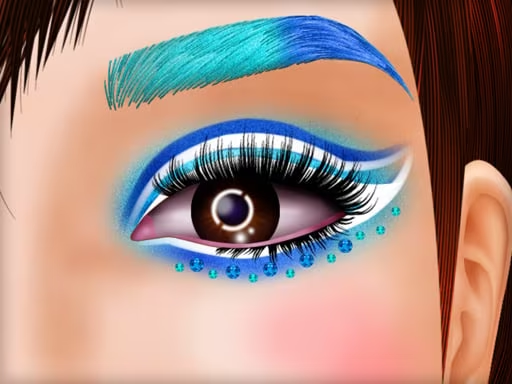
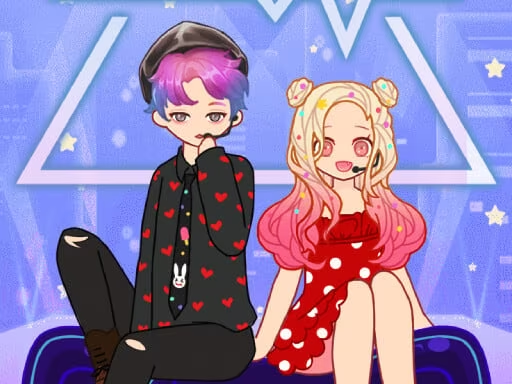
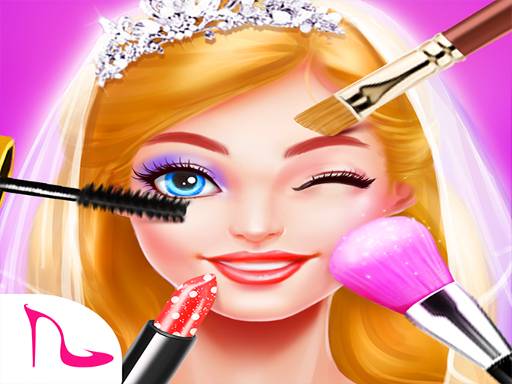
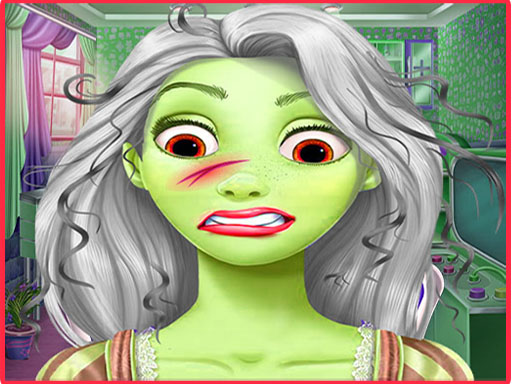
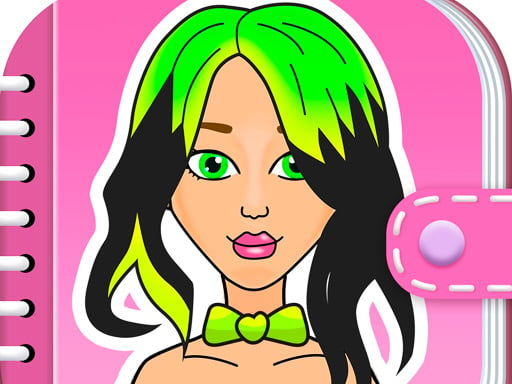
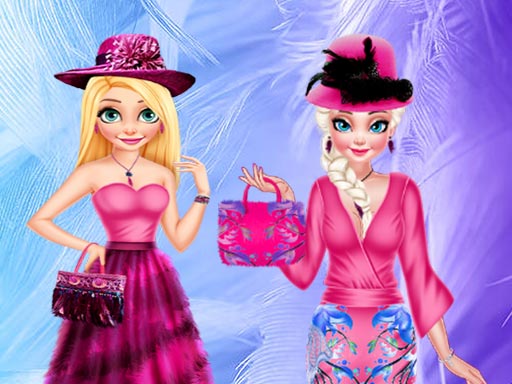
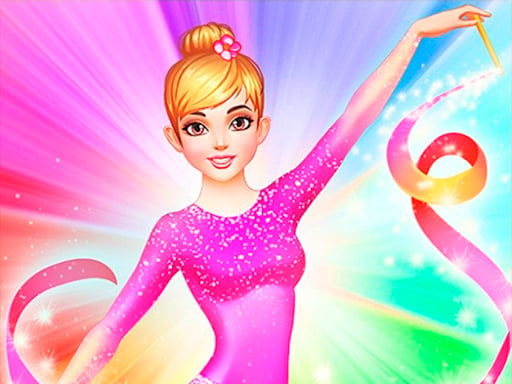
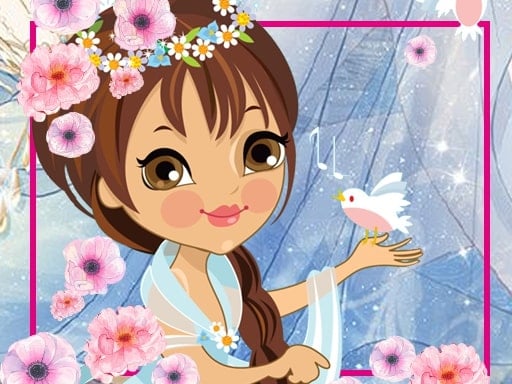
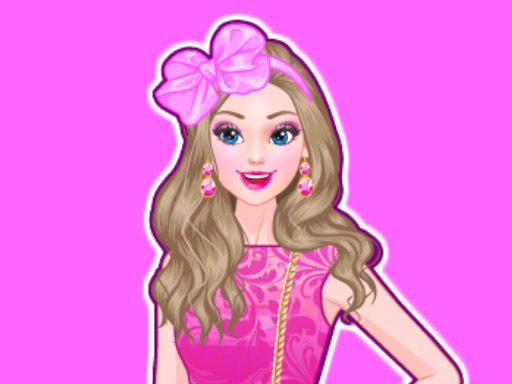
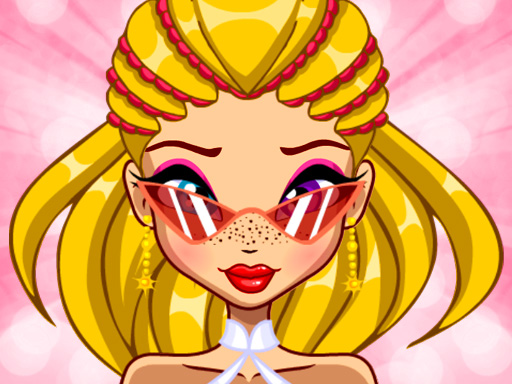
Craving a fresh look for your profile pics? Pretty Avatar Maker hands you the brush, the palette, and every crazy accessory you could imagine. From fairy wings to superhero capes, the game lets you design a cute, eye‑catching avatar that screams “you” in seconds. No coding, no hassle—just pure creation.
How It Works
The interface is built on fast, responsive HTML5 tech, so clicks or taps feel instant. Pick a base, drag‑and‑drop elements, and watch your masterpiece come to life.
- Create your own unique avatar in cartoon style
- Save the result in the form of a PNG-image to use as an avatar in social networks later
- Depending on the gaming device a computer mouse click or a simple touch on touch screens is used for control
Tips & Tricks for a Standout Avatar
Start with a design theme—choose “princess,” “monster,” or “superhero” to lock in a color scheme. Dress up your character with layers: a base hair style, then a splash of bright dye, followed by glittery accessories. Mixing fantasy elements (like fairy dust) with modern fashion (high‑top sneakers) creates a memorable contrast.
When you’re stuck, hit the random button. The game’s craft engine will throw together a wild combo—perfect for inspiration. If you like the result, hit “save” and use the PNG as a profile picture across all platforms.
Don’t ignore the decorate panel. Adding tiny jewelry, a patterned background, or a playful monster sidekick can turn a simple portrait into a full‑blown avatar scene. Experiment with hair length, eye shape, and lip color; each tweak shifts the vibe from “girl next door” to “galactic heroine.”
Keep the coloring palette balanced. Too many neon shades can overwhelm, while a muted base lets neon accessories pop. Try a pastel hair hue with a bold superhero cape for that perfect pop‑and‑lock effect.
Ready to craft your signature look? Jump into Pretty Avatar Maker now, snap a PNG, and flood your socials with a fresh, personalized face. PlayHop brings the fun, you bring the flair—let’s see what you create!
Create your own unique avatar in cartoon style Save the result in the form of a PNG-image to use as an avatar in social networks later Depending on the gaming device a computer mouse click or a simple touch on touch screens is used for control