Controls
Drag and release the left mouse button to place the pixel piece.
Drag and release the left mouse button to place the pixel piece.



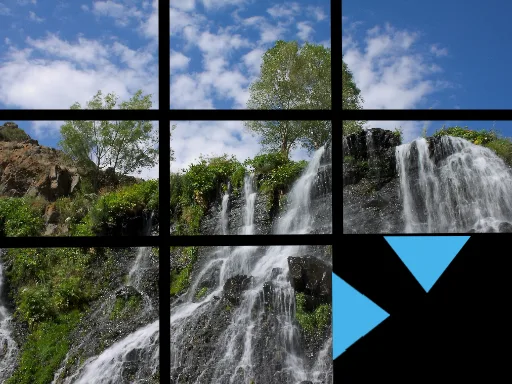
Pixel Perfect drops you into a vibrant grid of retro‑style art where every block counts. Match pixel pieces with surgical precision, and watch the picture snap into place like a flawless Tetris line clear. The challenge is simple: spot the missing shape, drag it with your mouse, and lock it down before the timer ticks. Miss a beat and the canvas stays fragmented, begging for another try. This isn’t just another casual filler—PlayHop’s latest brain‑teaser rewards sharp eyes and quick reflexes, turning a relaxing session into a brag‑worthy showdown.
The control scheme is stripped down to the essentials, letting the puzzle do the talking. Click, drag, and release the left mouse button to drop each pixel piece exactly where it belongs. No menus, no clutter—just pure, buttery‑smooth mouse action that feels as natural as stacking blocks in a classic Tetris match.
Mastering Pixel Perfect is less about brute force and more about pattern recognition. Start by scanning the board for the most constrained gaps—those tiny nooks that only one shape can fill. Once you lock a piece, the surrounding area often reveals a chain reaction, opening up larger sections for the next move. Think Tetris: keep the board balanced, avoid creating isolated islands that trap pieces. When a level feels too tight, pause, take a breath, and let the relaxing rhythm of the music reset your focus. As you climb the ranks, the puzzles introduce subtle color shifts and hidden silhouettes, demanding that you not only match shape but also anticipate visual cues.
Ready to prove your pixel‑perfect precision? Jump straight into the action on PlayHop and claim the top spot on the leaderboard. Try the free demo of Pixel Perfect now, and experience the satisfying click of every piece snapping into place. Your next high‑score is just a mouse swipe away.
Drag and release the left mouse button to place the pixel piece.