Controls
Drag the left mouse button to draw.
Drag the left mouse button to draw.
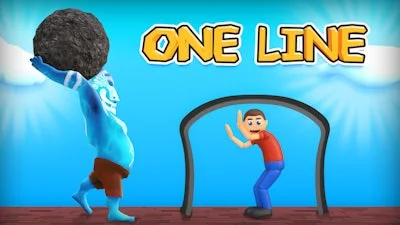


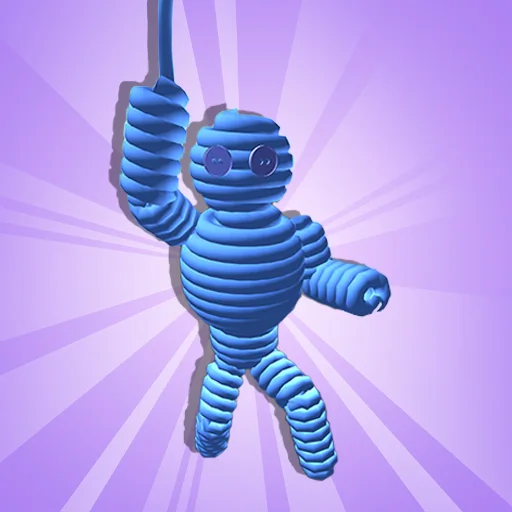
One Line throws you into a frantic 3D arena where a single stroke can mean the difference between survival and chaos. A tiny figure darts across the screen, chased by rain, bees, giants, and every obstacle you can imagine. Your job? Grab the mouse, draw a protective barrier, and keep the guy alive. It’s pure skill, zero fluff, and every second counts.
Controls are brutally simple: Drag the left mouse button to draw. That’s it. Mastery comes from how you use that line.
Strategy hinges on timing and geometry. Short, sharp angles bounce projectiles back, while long, sweeping arcs create safe zones. Early levels teach you to anticipate the pattern of each threat; later stages demand you to stack lines in rapid succession, turning the screen into a kinetic maze. Keep an eye on the physics‑driven bounce paths – a well‑placed line can turn a deadly rainstorm into a harmless drizzle. Progress unlocks visual upgrades that highlight trajectory paths, letting you fine‑tune your skill and shave milliseconds off each decision.
The addictiveness lies in its perfect loop: draw, watch physics react, adjust, repeat. Each level is a bite‑size puzzle that resolves in under a minute, perfect for quick sessions or marathon runs. Leaderboards reward precision – the fewer lines you use, the higher your score. The game’s minimalist UI keeps the focus on the drawing action, while subtle sound cues give instant feedback on successful blocks. As you climb the ranks, the difficulty spikes, introducing multi‑directional hazards that test your spatial awareness and reaction speed.
Ready to prove your reflexes? Jump into One Line and experience PlayHop’s razor‑sharp physics playground. Every swipe counts, every obstacle is a chance to showcase your mastery. Hit the start button, grab that mouse, and show the world how a single line can change everything.
Drag the left mouse button to draw.