Controls
- WASD = move
- Hold left mouse button = rotate the camera
- Left mouse button = punch / attack
- E = interact / pick-up item
- Space = jump
- Q, 1, 2, 3 = change weapons
- Esc = pause
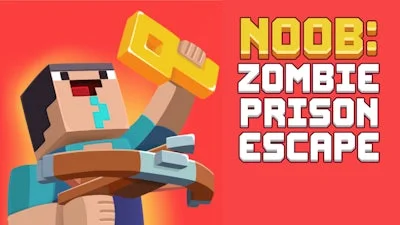


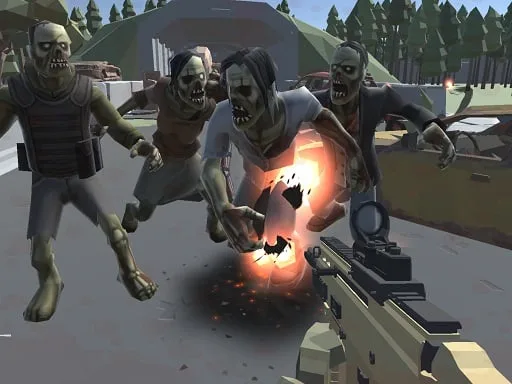
Trapped inside a crumbling penitentiary swarmed by the undead, you play as the clumsy hero Noob. Every level throws a fresh set of puzzles, hidden keys, and coin caches that demand quick reflexes and sharp wits. The game blends Minecraft‑style block aesthetics with relentless parkour action, so every jump could be your last. Miss a step, and a zombie snaps you back to the start. Survive, collect, and escape before the prison walls collapse.
The control scheme is stripped down for pure, frantic fun. Move, aim, and smash through hordes with a few clicks.
Mastering the parkour routes is the first line of defense. Spot the higher platforms early, then avoid the slow‑moving zombies that patrol the lower corridors. Use the crossbow to thin out clusters, but remember ammo is scarce—switch to melee when you’re close. Each level hides a set of keys; collect them in the order they appear to keep the exit doors unlocking smoothly. The 3D environment rewards lateral thinking: flip a torch to light a dark passage, or bounce off a moving crate to reach a hidden ledge. Timing matters—jump just as a trap resets to slip past unharmed. Keep an eye on your coin total; upgrades for faster reloads or stronger punches can turn a tight squeeze into a clean escape. Finally, replay earlier stages after unlocking new weapons; previously impossible shortcuts become viable, shaving precious seconds off your run.
Ready to smash through the gates and show those zombies who’s boss? Grab your crossbow, hit the jump button, and prove you’ve got the guts to break free. Play now on PlayHop and experience Noob: Zombie Prison Escape today!