Controls
PC Controls
- WASD / arrow keys = move
- E = take an item
- Tab = change camera view
- Numbers = select item in the inventory to set up a trap
Mobile Controls
- Drag the screen to walk around
- Tap on the in-game button to pick up or use an item
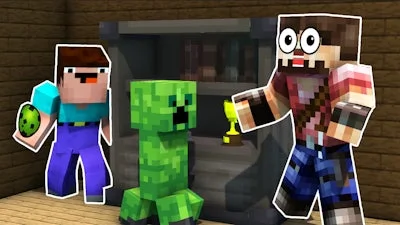


Ever dreamed of becoming an internet sensation with a viral prank video? Look no further than Noob Trolls Pro, the hilarious game from PlayHop where you get to troll an unsuspecting Pro with a range of ridiculous antics. Your goal is simple: pull off the most epic pranks without getting caught. With a gameplay style reminiscent of Minecraft but with a unique 3D twist, you'll be hooked from the very start.
Noob Trolls Pro offers intuitive controls that make it easy to navigate and prank. Whether you're on PC or mobile, the game is designed to be accessible and fun. Here are the controls to get you started:
As you dive deeper into Noob Trolls Pro, you'll realize that strategy plays a crucial role in your success. You'll need to carefully plan your pranks, choose the right items from your inventory, and execute your moves at the perfect moment. With each successful prank, you'll earn rewards and move closer to becoming an internet sensation. The game features pixel-perfect graphics, adding to the charm and humor of the gameplay. Can you handle the LOL moments and keep your cool?
If you're ready to unleash your inner troll and make the Pro laugh (or cry), look no further. Head over to PlayHop or directly to Noob Trolls Pro to start your pranking adventure today. With its unique blend of humor, strategy, and 3D gameplay, Noob Trolls Pro promises hours of entertainment. So, what are you waiting for? Start trolling your way to internet fame now!