Noob Miner 2: Escape From Prison – The Ultimate 2D Pixel Escape
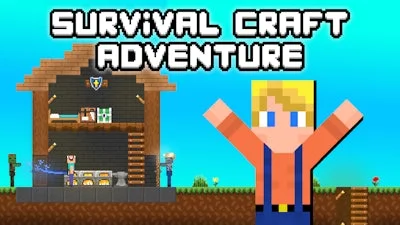
Locked behind stone walls, you’re the only 1 Player with a pickaxe and a plan. Every block you break brings you closer to freedom, but the deeper you go, the richer the ore. The game’s side‑scrolling, Minecraft‑inspired graphics turn the prison into a gritty, pixel‑perfect arena where survival isn’t a promise—it’s a daily grind. If you love mining for gold while outsmarting guards, this is the escape you’ve been waiting for.
Master the controls and the prison’s secrets will crumble beneath you. The scheme works on PC and mobile, so you can break out from any device.
- PC Controls: WASD or arrow keys = move; Left‑click = destroy blocks; Right‑click = set block; Right‑click + Shift = work with the back layer; E = open inventory/store; Q = drop item; Esc = pause.
- Mobile Controls: Left joystick = move; Right joystick = destroy blocks; Tap empty space = set a block.
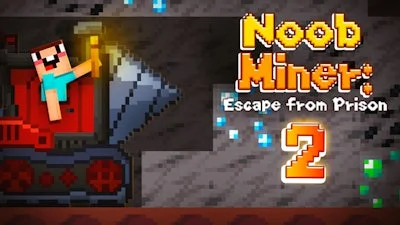
Strategy is where the game turns addictive. Upgrade your pickaxe before you hit the deeper veins—higher tier tools double your mining speed and let you harvest rare gems in a single swing. Armor isn’t just for looks; tougher gear reduces damage from hidden traps and guard patrols. Keep an eye on the daily market: ore prices shift, so timing your sales can net you extra coins for better gear. Boost your luck stat to increase the chance of double drops, and invest in drills to automate the grind when you’re low on stamina. Each successful escape layer unlocks new challenges, making every session feel like a fresh crawl toward freedom.
PlayHop’s Noob Miner 2: Escape From Prison – Your Next Addicting Fix
Don’t let the guards win. Download Noob Miner 2: Escape From Prison now, smash blocks, sell ore, and claim the ultimate escape. PlayHop delivers the perfect blend of side‑scrolling action and survival depth—one click, endless replayability. Your prison break starts here.