MerryKins Coloring – Holiday Fun in Every Stroke
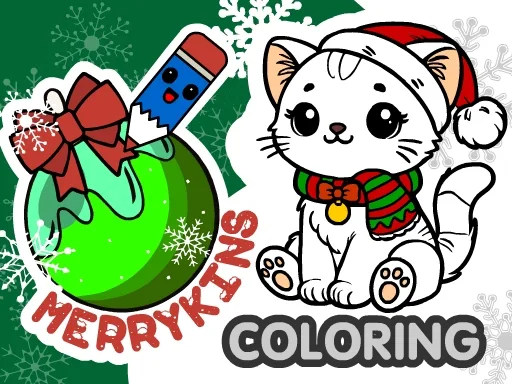
Picture a snow‑kissed village, a playful kitten chasing a candy‑cane, and Santa’s sack spilling bright crayons. MerryKins Coloring hands you the brush, letting you splash color on cute winter scenes that feel like a warm hug on a frosty night. Kids, girls, and even seasoned artists find a cozy spot to draw, experiment, and unwind. The game’s charm lies in its instant gratification – pick a hue, tap a brush, and watch a blank page blossom into a festive masterpiece.
Mechanics
Controls are built for speed and precision, whether you’re on a desktop or a tablet. Grab the tool palette, swipe to zoom, and start filling in the magic.
- — Use left mouse button or touch to pick tools and color —
- — Zoom with mouse wheel or pinch gesture —
- — Tap the question mark for tool tips —
- — Save progress with the floppy disk icon —
- — Save finished picture to device & sha —
Strategy
Start with the simplest sketches – a smiling snowman or a curious cat perched on a Christmas tree. Use the eyedropper to match shades, then layer a second color for depth. For a truly educational spin, challenge yourself to complete a picture using only three colors; this hones palette planning and teaches color theory basics. As you unlock new scenes, aim for the “perfect score” by filling every detail without leaving stray lines. The secret to staying hooked? Rotate between coloring and the random‑fill mode. Random fills surprise you with unexpected patterns, sparking fresh ideas for your next hand‑drawn masterpiece.
Ready to bring holiday cheer to your screen? Grab a virtual brush, color a Santa Claus scene, and share the finished JPG with friends. The more you play, the more adorable winter illustrations you’ll unlock – from fluffy puppies to twinkling lights. Jump into MerryKins Coloring now and let PlayHop’s festive toolkit turn every moment into a creative celebration.
Don’t wait for the snow to melt. Click PlayHop and start filling those pages with color today!
mdash Use left mouse button or touch to pick tools and color mdash Zoom with mouse wheel or pinch gesture mdash Tap the question mark for tool tips mdash Save progress with the floppy disk icon mdash Save finished picture to device amp sha