Step into the Nostalgic World of Memory Lane
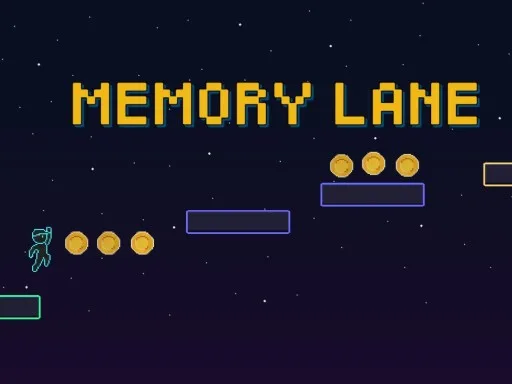
Memory Lane is a captivating 2D puzzle-platformer that challenges your memory and reflexes in a vibrant, pixelated world. Developed by PlayHop, this retro-style arcade game takes you on a thrilling adventure where you must navigate through increasingly complex levels, relying solely on your memory to reach the goal. With its simple yet addictive gameplay, Memory Lane is perfect for players seeking a fun and brain-teasing experience.
Mastering the Mechanics
In Memory Lane, mastering the controls is essential to success. The game's intuitive controls make it easy to pick up and play, but challenging to master. Here's a breakdown of the controls:
- Movement: Left Right A D or Left Right Arrow keys
- Jump: Tap space once to jump
- Higher Jump Arc: Hold space
- Double Jump: Available only when powered up
- Mobile Controls: Touch buttons appear automatically on mobile devices
Strategizing Your Way to Success
As you progress through the levels, you'll need to develop strategies to overcome the challenges. During the Reveal Phase, take a moment to study the layout, paths, traps, and pickups. Commit the level design to memory, as this information will be crucial during the Action Phase. When the platforms disappear, rely on your memory to navigate through the level, touching platforms to reveal them permanently. Timing is everything, so make sure to time your jumps and movements carefully to avoid obstacles and enemies.
Looking for a game that will put your memory to the test? Memory Lane is a must-play for fans of puzzle-platformers. With its engaging gameplay and increasing difficulty, you'll be hooked from the very start. Visit PlayHop to explore more exciting games like Memory Lane, and get ready to challenge your brain and reflexes!
Movement bull Left Right A D or Left Right Arrow keys bull Jump Tap space once to jump bull Hold space for a higher jump arc bull Double Jump available only when powered up Mobile Controls Touch buttons appear automatically on mobile devices