Controls
- WASD - Movement
- Space - Brake
- R - Reset Level
- M/Escape - Go to menu
- C - Change camera
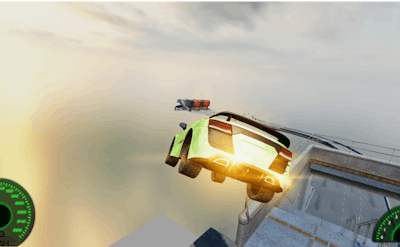


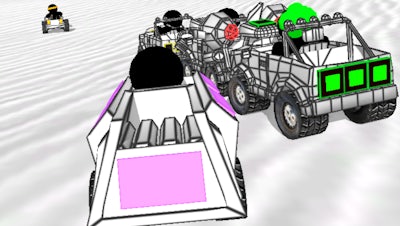
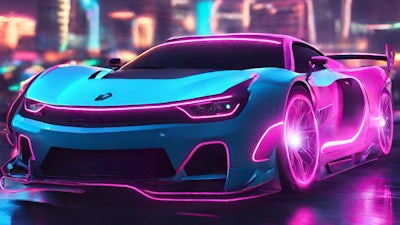
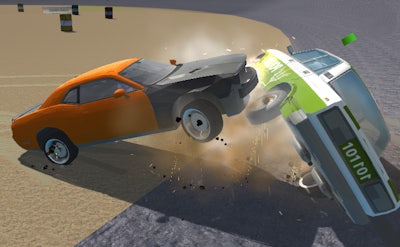
High-speed cars, insane stunts, and pure adrenaline - that's what Grand Stunt Auto 2 is all about. This game is the perfect combination of 3D graphics, car customization, and stunt action that will keep you on the edge of your seat. With its addictive gameplay and challenging levels, you'll be hooked from the very start. As a PlayHop exclusive, you can expect top-notch quality and endless fun.
The gameplay is intense and easy to pick up, with simple yet responsive controls. To play, use the following keys:
As you progress through the game, you'll need to develop a solid strategy to overcome the challenges ahead. This includes upgrading your car, mastering different stunt techniques, and learning the tracks inside out. With each level, the difficulty increases, but so do the rewards. You'll need to stay focused and keep your skills sharp to succeed. At PlayHop, we're committed to providing the best gaming experience possible, and Grand Stunt Auto 2 is no exception.
To become a true stunt master, you'll need to practice, patience, and persistence. With Grand Stunt Auto 2, you'll have access to a wide range of 3D tracks, each with its unique challenges and obstacles. As you improve your skills, you'll be able to take on even more demanding levels and compete with other players for the top spot. For more information about PlayHop and our other exciting games, visit PlayHop today and discover a world of endless gaming possibilities. You can also play Grand Stunt Auto 2 directly and experience the thrill of stunt racing for yourself.