Flipping Color Box – The Arcade Puzzle That Packs a Punch
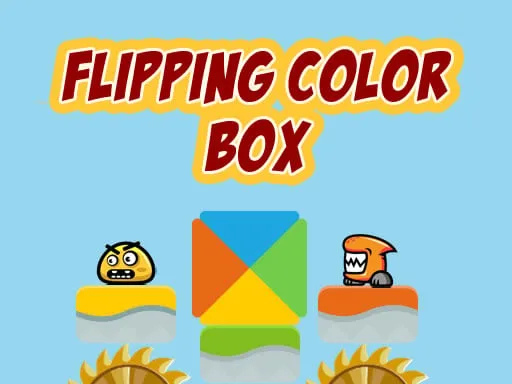
Think a simple color‑match game can’t thrill a seasoned gamer? Think again. Flipping Color Box drops you into a fast‑paced arena where each jump counts. One wrong flip and the level resets. Master the rhythm, beat the timer, and watch the score climb. Perfect for Kids and hardcore players alike, this HTML5 title runs smooth on any Mobile device. PlayHop delivers an addictive blend of Arcade action and brain‑teasing Puzzle design that keeps you coming back for more.
Mechanics
Control is razor‑sharp. Tap or press the arrow keys to send the cube soaring, then flip it mid‑air to line up the correct hue. One tap, one flip, one perfect landing.
- Use arrow key to play the game or tap on the screen
Strategy
Speed wins, but precision rules. Start with the easy “starter” levels to lock down timing. Notice the color pattern: the same shade repeats every three jumps. Anticipate, then flip on cue. As you climb the difficulty curve, the platform gaps widen and new color combos appear. Here’s how to stay ahead:
- Watch the rhythm. The background beat syncs with the cube’s bounce. Let the music guide your jump timing.
- Prioritize the center column. Center tiles spawn the most reliable color matches, reducing risk.
- Chain combos. Landing three correct flips in a row multiplies your score and adds a burst of momentum.
- Use the pause. On mobile, a quick tap pauses the action, giving you a moment to recalibrate.
Progression isn’t just about higher scores. Every new set of levels introduces a subtle “boxing” mechanic—blocks that push the cube sideways, forcing you to adjust mid‑flight. Treat these obstacles like a sparring partner: dodge, counter‑flip, and keep the rhythm alive. The final mountain stage tests endurance; you’ll need flawless timing and a cool head to claim the Color Cube Flip Master title.
Ready to prove your reflexes? Jump into PlayHop now, smash the leaderboard, and show the world you’ve got the fastest flips in the arcade.
Use arrow key to play the game or tap on the screen