Controls
- WASD or arrows keys = drive
- Space bar = handbrake
- Enter= unflip
- C = change camera
- R = repair
- T = time frame
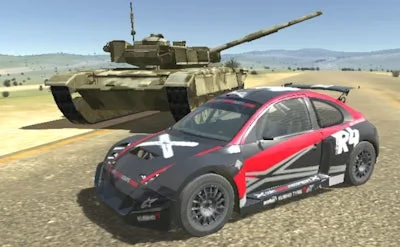


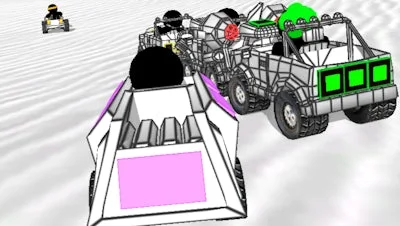
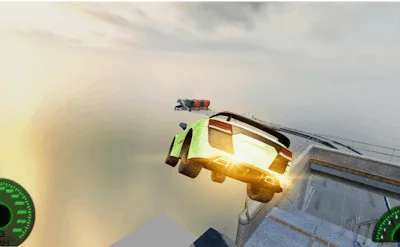
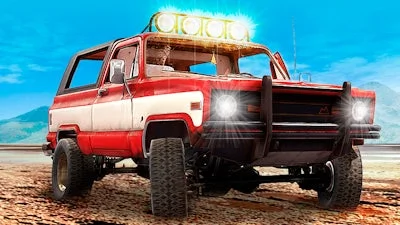
Get ready for the most adrenaline-pumping experience in the world of demolition driving with Derby Crash 3, the latest installment in the beloved series. As an elite demolition driver, you'll be put to the test with the most realistic graphics and a vast, open playing field that's bursting with secondary streets and hidden areas to explore.
With its renewed graphics, Derby Crash 3 is a feast for the eyes, offering a visually stunning experience that's sure to keep you on the edge of your seat. So, what are you waiting for? Join the ranks of the elite demolition drivers and experience the ultimate thrill of Derby Crash 3 for yourself.
But don't just take our word for it - try it out for yourself and see what makes PlayHop the go-to destination for all your gaming needs. With a wide range of games and a passionate community, you'll never be bored. And with Derby Crash 3, you'll be hooked from the very start.
So, how do you play? It's easy:
With these controls at your fingertips, you'll be well on your way to becoming an elite demolition driver. So, what are you waiting for? Join the fun and play Derby Crash 3 today!