Controls
- WASD / arrow keys = move
- QE / drag left-click = rotate camera
- Space = jump
- Mouse wheel = zoom in / out
- Left-click / enter = action
- Right-click = build
- C = craft items
- I = inventory / equipment



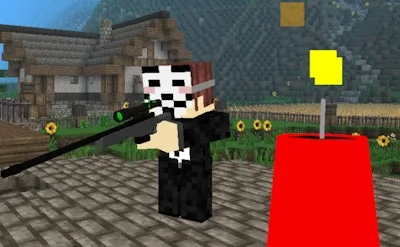
Imagine a blocky universe where every match feels like a fresh Minecraft sandbox, but the stakes are a nonstop battle for survival. Cubox.io drops you into an endless 3D world where you can craft, farm, and build while fending off rivals and monsters. The moment you log in, the rush of discovering new biomes and hunting down towering bosses makes you wonder how you ever played anything else.
Master the arena with a simple, responsive layout. Move, jump, and interact without pausing the action.
Every click counts. Build forts on the fly, craft swords that cut through hordes, and farm resources while the clock ticks. The multiplayer engine syncs every block you place, so your castle stands firm against enemy raids. Whether you’re grinding for rare armor or setting traps for a sudden battle, the controls keep you in the thick of the action.
Success isn’t just about raw firepower. Start by scouting the map, claim a safe zone, and set up a basic farm. Early‑game resources feed your crafting queue, letting you upgrade from wooden tools to enchanted gear. Join a guild, coordinate building projects, and launch coordinated battles that overwhelm solo opponents. Keep an eye on biome changes; each new environment spawns tougher monsters and richer loot, pushing you to adapt your building style and combat tactics.
Ready to dominate the blocky battlefield? Jump into Cubox.io now, claim your territory, and prove you’ve got the skill to out‑build, out‑craft, and out‑fight every challenger. PlayHop’s latest hit promises nonstop action, endless creativity, and a multiplayer experience that never quits. Gear up, log in, and make the arena yours.