Controls
- [Z] Switch between building and destruction mode
- [V] Toggle Hammer
- [WASD] or [ARROWS] Walk
- [RF] Fly
- [Left Click] Shoot or Create
- [Right Click] Destroy
- [X] Toggle block gravity
- [C] Change block color
- [P] Return
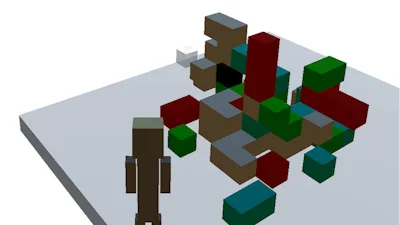


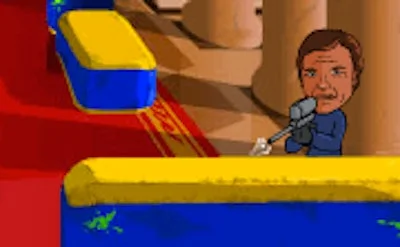
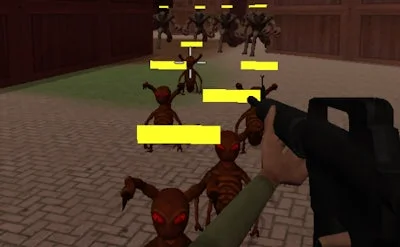
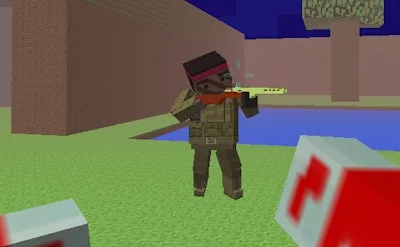
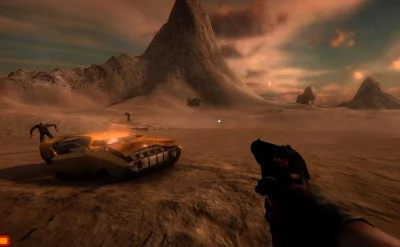
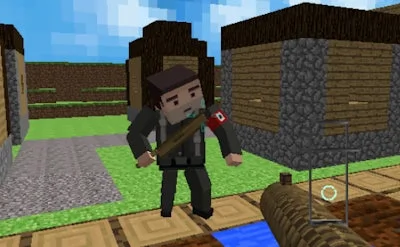
Imagine a 3D sandbox that lets you build towering forts, then smash them with a gun‑blazing hammer. Craft Destroy mixes the creative freedom of Minecraft with the adrenaline of a shooter. Every match feels fresh because you control both the architect and the demolition crew. The thrill comes from shaping your own battlefield and then watching it crumble under fire. If you love building, love blowing things up, or love both, this is the arena where those cravings collide.
Controls are stripped down to the essentials, so you spend more time crafting chaos than fumbling with menus. Jump straight into action and toggle between creation and destruction on the fly.
Winning isn’t just about spraying bullets; it’s about mastering the rhythm of build‑then‑break. Start by laying a quick base with cheap blocks, then raise a high platform for line‑of‑sight advantage. Use the hammer’s gravity toggle to drop heavy blocks onto opponents, turning the environment into a weapon. Color‑coding blocks with C helps you spot your own structures amid the chaos. Keep an eye on your ammo and swap to the gun mode when you need a precise kill. As you level up, unlock stronger block types and faster fly speed, giving you more creative leverage. The best players learn to read the map, anticipate enemy demolitions, and time their own attacks for maximum impact.
Ready to dominate the block battlefield? Grab your hammer, fire up your gun, and start tearing down the competition. Dive straight into the action on Craft Destroy and see why PlayHop’s latest release is the talk of the server. Play now and turn every match into a masterpiece of mayhem.