Counter Craft 3: Fast‑Paced 3D Shooter from PlayHop
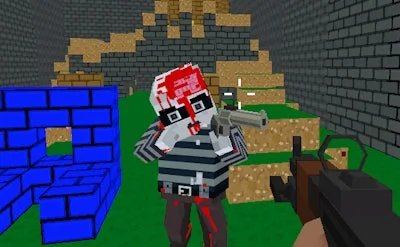
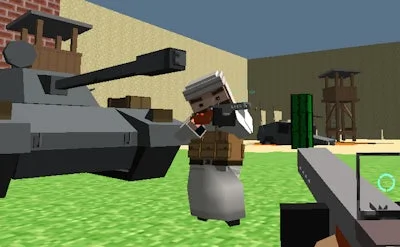
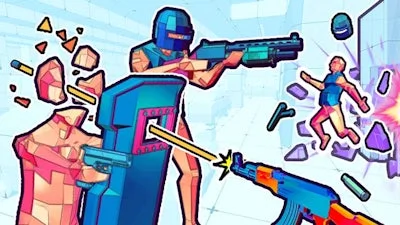
Imagine a blocky warzone where every corner hides a fresh Gun and a chance to top the scoreboard. Counter Craft 3 drops you into a relentless Multiplayer arena that feels like a mash‑up of classic CSGO tactics and modern Shoot ’Em Up chaos. The graphics are pure 3D, built on Unity3D and optimized for WebGL, so you can jump straight into the action from any browser. If you love high‑octane Action and crisp Shooting mechanics, this is the match you’ve been waiting for.
Counter Craft 3 Controls & Core Mechanics
Master the battlefield with a lean control scheme that lets you focus on the kill feed, not on button combos. Every key does exactly what you expect, keeping the flow smooth and the tension high.
- WASD – Move
- Space – Jump
- C – Crouch
- LMB – Shoot
- RMB – Aim
- R – Reload
- P – Pause menu
- 1 2 3 – Select weapon
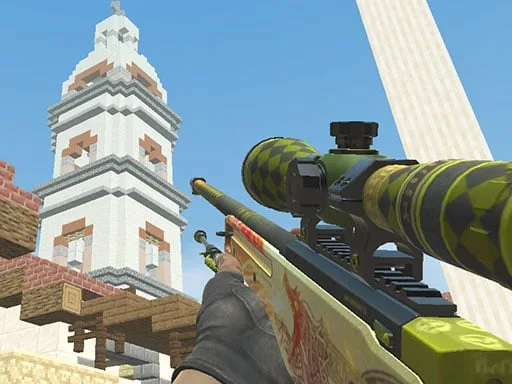
Mastering War in Counter Craft 3
Winning isn’t just about spraying bullets; it’s about reading the map and timing your reloads. Start each round by scouting the high‑ground blocks—those spots give you a clear line of sight for a quick Shoot and retreat. Switch weapons on the fly; the 1 2 3 slots let you stack a rapid‑fire Gun with a long‑range sniper, mimicking the load‑out flexibility of a seasoned CSGO pro. Keep an eye on your kill‑streak meter; each frag adds a temporary damage boost, turning a standard shootout into a decisive War moment. Team play matters too—coordinate pushes with voice chat or quick pings, and you’ll dominate the Multiplayer ladder faster than solo grinders.
Ready to lock and load? Head over to Counter Craft 3 and jump straight into the front lines. PlayHop’s smooth WebGL delivery means zero install, zero lag—just pure, addictive Shooter action. Grab your squad, claim the highest frag count, and let the block‑world chaos speak for itself.
WASD - Move Space - Jump C - Crouch LMB - Shoot RMB - Aim R - Reload P - Pause menu 1 2 3 - Select weapon