Counter Craft 2 Zombies – Fast‑Paced Undead Mayhem in a 3D Minecraft Arena
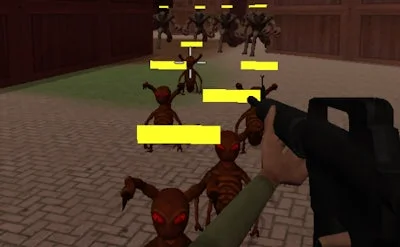
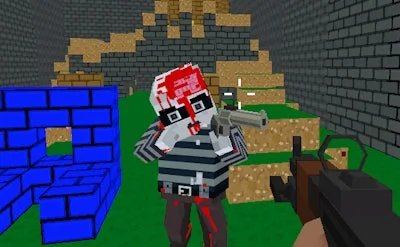
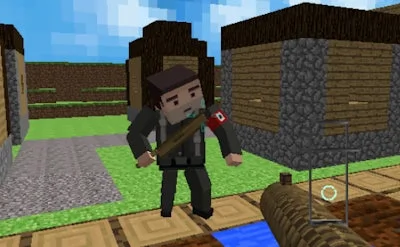
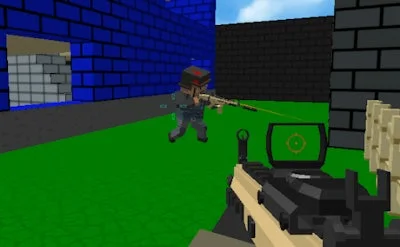
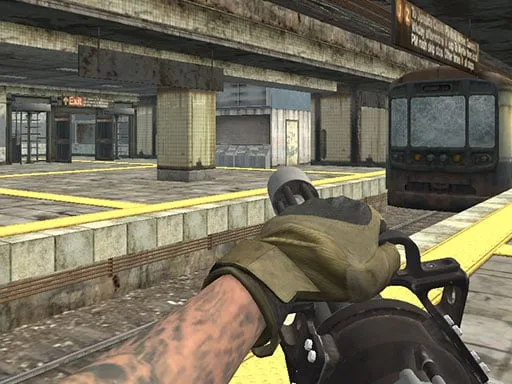
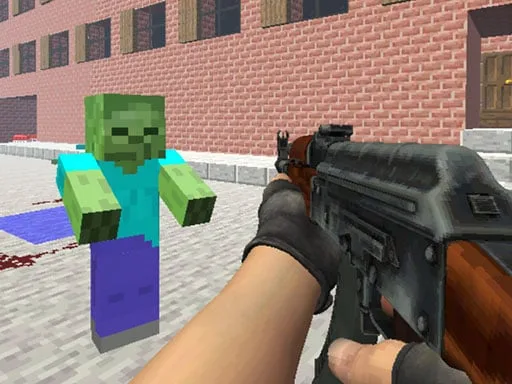
Imagine a 3D shooter that blends the blocky charm of Minecraft with the relentless intensity of a classic shoot ‘em up. Counter Craft 2 Zombies drops you into a gritty, WebGL‑powered battlefield where waves of Zombie hordes surge from every direction. One‑player action, tight controls, and an ever‑tightening difficulty curve keep the adrenaline pumping. If you love CSGO‑style gunplay, this is the perfect cross‑genre fix.
Mechanics
Every move feels crisp thanks to the Unity3D engine. Master the layout, then let the guns do the talking.
- WASD - Move
- LMB - Shoot
- RMB - Aim
- Mouse Wheel - Change weapon
- R - Reload
- Space - Jump
- T - Bullet time
Strategy
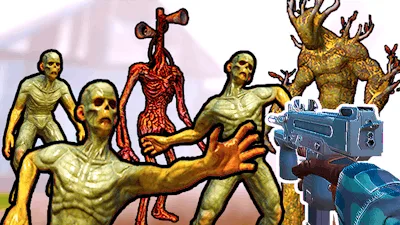
Survival hinges on more than trigger finger speed. Start with the shotgun for close‑range Undead swarms; its spread clears clusters fast. Switch to the assault Gun when zombies line up at medium range—aim for headshots to conserve ammo. The third weapon, a rapid‑fire SMG, shines during bullet‑time bursts; use T wisely to dodge incoming shots and reposition.
Map awareness is critical. High ground offers a clear line of sight and slows enemy approach. Keep an eye on the resource crates; they replenish ammo and grant temporary damage boosts. As rounds progress, zombie speed and spawn count rise sharply. Adapt by tightening your defensive perimeter and timing reloads between waves.
Progression rewards include skin upgrades and weapon mods that boost recoil control or reload speed. Grinding for these upgrades turns each new round into a fresh tactical puzzle. The game’s smooth WebGL rendering ensures every explosion and muzzle flash looks sharp, even on modest browsers.
Ready to dominate the undead and prove your shooter skills? Jump into PlayHop now, lock in your loadout, and show the Zombie hordes who’s boss. The next wave is already approaching—don’t let it catch you off guard.
WASD - Move LMB - Shoot RMB - Aim Mouse Wheel - Change weapon R - Reload Space - Jump T - Bullet time