Connect the Wire – Fast‑paced Puzzle Action from PlayHop
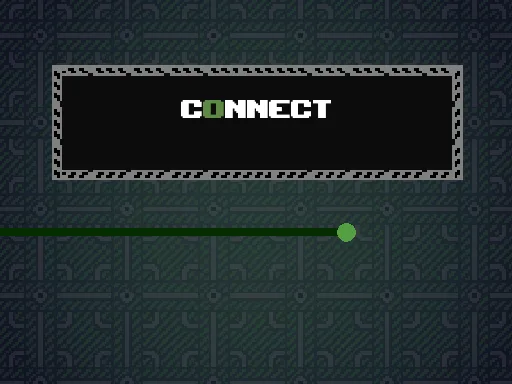
In Connect the Wire, every second counts. You’re a tiny robot racing across a neon‑lit grid, trying to touch the glowing red box before the timer expires. Miss the mark and the level resets, forcing you to rethink your path. The game’s 15 tight‑crafted stages blend classic arcade reflexes with brain‑teasing puzzle logic. It’s a pure 1 Player experience, perfect for quick bursts or marathon sessions. The sleek 2D visuals keep the focus on movement, while subtle worm‑like obstacles slither across the board, adding a layer of danger that feels fresh and frantic.
Mechanics
Control the robot with intuitive inputs. On a keyboard or PC, use the WASD keys or arrow keys to steer. On a touch device, swipe in the direction you want to travel. Master the timing, and the red box is yours.
- computer controls: You can move by pressing the W A S D buttons or the arrow buttons
- mobile controls: You can move by swiping in the direction you want to go
Strategy
Speed alone won’t cut it. Each level hides a pattern of moving worms that block direct routes. Study their loops before you dash. The safest path often hugs the edges, but the fastest route cuts through the middle—if you can predict the worm’s rhythm. Upgrade your robot’s “charge” after each successful run; a longer charge gives you a brief pause to re‑orient. Replay cleared stages in challenge mode to sharpen timing and climb leaderboards. The deeper you go, the tighter the corridors become, demanding both reflexes and foresight. Keep an eye on the timer bar; a quick glance tells you when to accelerate or hold back.
Ready to test your reflexes and puzzle chops? Jump into Connect the Wire now and see if you can outsmart every worm and beat every level. PlayHop delivers the perfect arcade fix—grab your device, fire up the game, and start wiring your way to victory.
computer controls You can move by pressing the W A S D buttons or the arrow buttons mobile controls You can move by swiping in the direction you want to go