coloring Ultimate ben 10 – fast fun for 1 Player fans
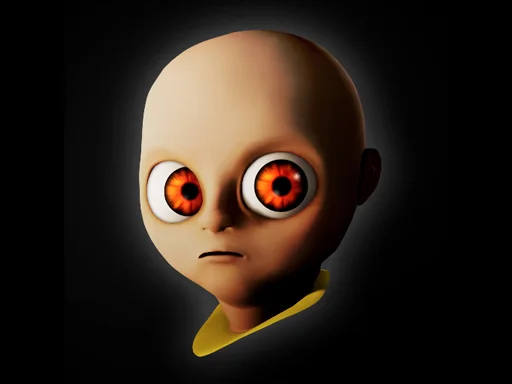
coloring Ultimate ben 10 drops you straight into the neon‑lit world of Ben Tennyson and his alien crew. The moment you tap the screen, the familiar Cartoon Network vibe hits you. It’s a single‑player splash of color, perfect for anyone who grew up watching the show and still loves a quick creative session. Whether you’re a longtime fan or just curious about the Baby Ben skin, this game gives you a reason to pick up the stylus and start filling in the lines.
Getting started is as simple as it gets. Click a hue, then drag the brush across the outline. Release, and the shade stays put. Rinse and repeat until every hero shines.
- Tap a color swatch from the palette.
- Click and hold on the character’s outline.
- Drag to paint the area you want.
- Lift your finger to lock the color.
- Switch palettes for gradients and effects.
Why coloring Ultimate ben 10 feels like a Cartoon Network blast
Strategy isn’t about high scores; it’s about mastering the flow. Start with the larger shapes—Ben’s torso, the Omnitrix, the alien silhouettes. Bigger areas lock in a base hue fast, letting you move to details like the Baby Ben’s tiny antenna or the glow on Heatblast’s flames. Mix complementary colors to make the alien skins pop, then revisit them with a lighter shade for depth. The game tracks your progress, unlocking new palettes as you finish each character. That unlock loop keeps the session fresh and pushes you to experiment with every shade.
PlayHop’s quick tip: keep the colors popping
When you’re ready to share your masterpiece, hit the export button and post it on social feeds. The PlayHop community loves seeing fan art, and you might spot a fellow fan’s take on the same hero. The more you play, the more palettes you earn, and the richer your gallery becomes. So grab your device, jump into the coloring Ultimate ben 10 arena, and turn static sketches into vibrant tributes. The adventure waits—grab that brush now.
click and drag to color your favorite characters