BTS Minecraft Coloring Time – Blocky Art Meets Hypercasual Fun
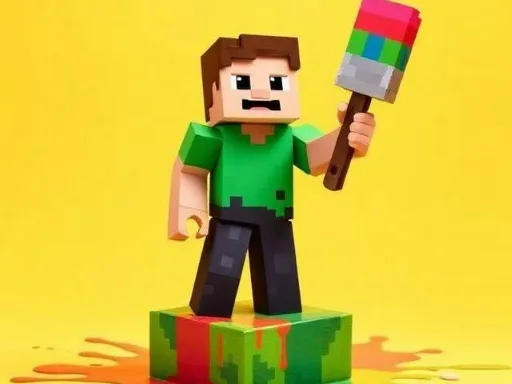
Imagine a sandbox where the only limit is your palette. BTS Minecraft Coloring Time mixes the iconic block aesthetic of Minecraft with the vibrant energy of BTS. Kids and fans alike grab a brush, pick a scene, and splash color across pixel‑perfect drawings. The result? A fresh, lively world that feels both familiar and brand‑new. This isn’t just another coloring app; it’s a quick‑play, hypercasual experience that turns downtime into a burst of creativity. Whether you’re on a school break or chilling after homework, the game delivers instant fun that keeps you coming back for more.
Mechanics
The interface is razor‑thin. You control everything with a single device: the mouse. Click to select a brush, drag to paint, and watch colors fill the blocky canvas. No menus clutter the screen, so you stay in the flow. Every stroke feels smooth, and the palette updates in real time, letting you experiment without pressure.
Strategy
Even a coloring game benefits from a plan. Start with the simplest sketches to get the hang of brush pressure and color blending. Once you’re comfortable, tackle the detailed BTS‑themed scenes that feature hidden elements—like a tiny microphone or a secret block. Completing these hidden spots earns you extra pigments and unlocks premium palettes. Mix and match shades to create gradients; the game rewards smooth transitions with higher scores. For kids, set a small daily goal, such as finishing one picture before school, then watch the satisfaction meter climb. Seasonal events add limited‑time designs, so keep an eye on updates to snag exclusive colors before they disappear.
Ready to turn blocky outlines into vibrant masterpieces? Jump straight into BTS Minecraft Coloring Time and let your imagination run wild. PlayHop brings you this fast‑paced, endlessly replayable title—perfect for quick breaks or long‑haul painting sessions. Grab your mouse, pick a hue, and start coloring now.
Mouse to play