Controls
- Left-click = stitch, interact with in-game UI
- Hold right-click and move = move view along the picture
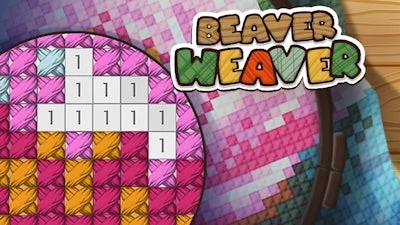


PlayHop drops a fresh twist on classic cross‑stitching with Beaver Weaver. You’re handed a 2D canvas, a palette of vivid colors, and a busy beaver family that needs your help. Whether you’re hunting for a chill Christmas pastime or just craving some casual Art therapy, the game’s simple premise hooks you fast: stitch patterns, collect coins, and unlock new pictures that feel like printable coloring sheets. The charm lies in its low‑key vibe—no endless tutorials, just pure stitching satisfaction.
Controls are razor‑sharp and mouse‑friendly. Grab the Mouse and start stitching:
Every click places a tiny Color pixel, gradually turning a blank grid into a polished piece of art. The interface stays clean, so you can focus on the rhythmic motion that makes coloring feel like a meditation.
Strategy? Think like a seasoned crafter. Start with the easiest sections—large blocks of a single color—to rack up quick coins. Those coins buy boosters: the Magic Needle clears entire lines of matching hue, while the Magic Cup splashes a broad area with every shade you need. Prioritize pictures that feature seasonal themes; a Christmas tree layout often yields higher rewards. As you progress, the patterns grow denser, demanding sharper eye‑hand coordination. Keep an eye on the “stitch meter” and aim for perfect rows to rack up combo bonuses. The addictive loop of completing a picture, unlocking the next, and watching your gallery fill with vibrant art keeps players glued for hours.
Ready to stitch your way into the most satisfying Coloring experience on mobile? Jump into Beaver Weaver now, and let PlayHop turn idle moments into a burst of creative joy. Grab your mouse, pick a hue, and start stitching—your next masterpiece is just a click away.