Backroom Exit – The Ultimate Escape Test
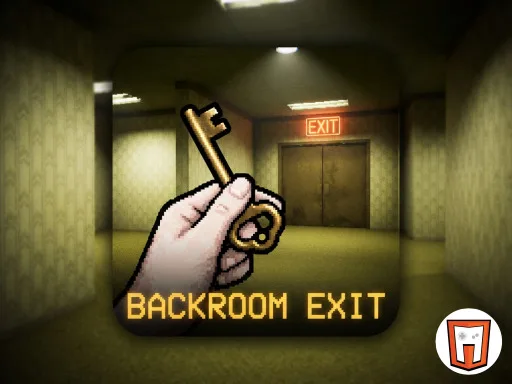
Trapped in a maze of stale yellow walls, you’re forced to confront a never‑ending corridor that feels more like a nightmare than a game. Every step echoes, every shadow hints at a hidden exit. The pressure builds as the fluorescent hum grows louder. If you love tight, pulse‑pounding puzzles and the thrill of a true Escape challenge, this is the room that will push you to the edge.
Backroom Exit Mechanics
Controls are stripped down to keep the focus on the hunt. Move, look, interact, and manage inventory without fumbling through menus.
- Use the WASD or arrow keys to move
- Use the mouse to rotate the view
- Left click to interact
- mouse scroll to swap inventory items
- With TouchScript you can move using the joypad
- Interact with the hand button
- Select inventory items to equip them
- Swipe t
Backroom Exit Strategy
Survival hinges on observation. The environment is littered with subtle clues—flickering lights, misplaced objects, and faint scribbles on the walls. Prioritize rooms that break the monotony; they usually hide the most valuable items. Combine found objects in your inventory to create tools that unlock doors or reveal secret passages. Remember, the game runs on Unity3D, so physics behave predictably—push a crate, roll a ball, and watch the chain reaction open a hidden hatch.
Keep a mental map of each corridor’s layout. The backrooms aren’t linear; they loop back on themselves. Mark landmarks in your head or use the hand button to place temporary markers if you’re stuck. When you feel the tension rise, retreat to a previously cleared area to reassess your inventory. The right combination can turn a dead‑end into a shortcut.
Ready to prove you can outsmart the endless hallway? Grab Backroom Exit now, and let PlayHop’s latest horror‑puzzle test your nerves. The exit is waiting—can you find it?
Use the WASD or arrow keys to move Use the mouse to rotate the view Left click to interact mouse scroll to swap inventory items With TouchScript you can move using the joypad Interact with the hand button Select inventory items to equip them Swipe t