Live the Wild Life in Sheep Simulator Animal Games
You control a wild sheep in a massive open world. This isn't a quiet farm life. You face dangerous predators, navigate busy city streets, and fight to keep your flock alive. Build your sheep Family from the ground up. You must find mates, protect your young, and gather resources to grow your herd. Every mission brings new challenges that test your survival skills. If you enjoy a fast-paced Simulation, this title offers plenty of action. PlayHop brings you this unique experience where you manage hunger, safety, and growth in a living ecosystem.
Master the Controls of Sheep Simulator Animal Games
Navigating the terrain and reacting to threats requires precise movement. Use these commands to control your sheep on different devices:
- Desktop AWSD Player Movement
- Mouse Camera Movement
- P Pause
- Ctrl Setting
- I Info
- E Attack
- Shift Sprint
- F Actions
- Tab Skip CutScene
- Mobile Joystick to Move Player
- Drag Screen To Move Camera
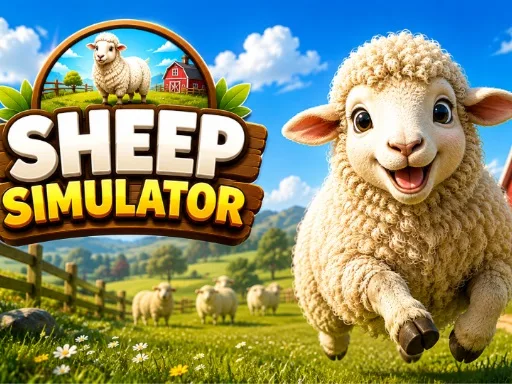
Pro Tips for Sheep Simulator Animal Games on PlayHop
Survival depends on your ability to prioritize tasks. Keep a close eye on your hunger meter and seek out grass or crops to stay strong. When you encounter a goat or other herbivores, focus on building your group. A larger Animal family provides better protection against predators. Collect coins scattered throughout the map to unlock upgrades and new abilities. Avoid direct combat with much larger predators until you have increased your strength. Use the sprint mechanic to escape tight spots in the city or dense forests. Success in this Simulator comes to those who balance exploration with constant vigilance.
Start your journey today and see if you can rule the wilderness. Find more high-quality titles at PlayHop and dominate the animal kingdom.
Desktop AWSD Player Movement Mouse Camera Movement P Pause Ctrl Setting I Info E Attack Shift Sprint F Actions Tab Skip CutScene Mobile Joystick to Move Player Drag Screen To Move Camera