Crush Everything in Monsters Wheels 2
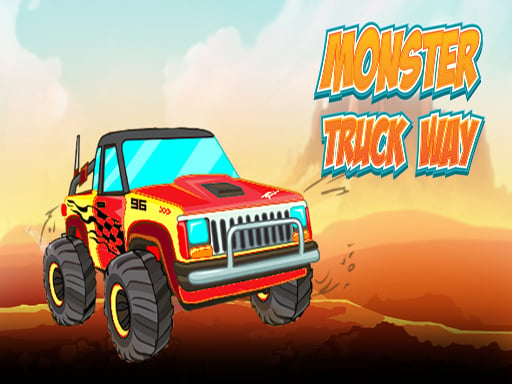
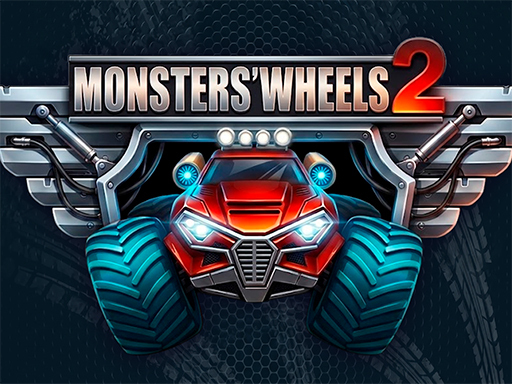
You control massive machines designed to destroy. Monsters Wheels 2 puts you behind the wheel of a heavy-duty monstertruck to tackle 24 diverse levels. You will race through dense jungles, speed across sandy beaches, navigate chaotic amusement parks, and drift through the Arizona desert. Every level demands a different skill. One moment you are racing a full grid to the finish line, and the next you are flattening a long row of parked car models. You can attempt massive backflips to impress the crowd or race against the clock to prove your speed. Every victory earns you prize money to spend in your garage.
Master the Controls of Monsters Wheels 2
Precision matters when you handle a heavy Truck. Use these controls to dominate the tracks and manage your physics mid-air:
- PC Arrow Up W: accelerate
- PC Arrow Down S: brake and reverse
- PC Arrow Left Right: lean back and forward in the air
- PC Space X: nitro
- Mobile Acceleration: automatic
- Mobile Nitro button: Nitro
- Mobile Tilt buttons: rotate left right
Pro Strategy for Monsters Wheels 2 on PlayHop
Success requires more than just speed. You need to manage your resources to win every event. Use your prize money wisely on car tuning to improve your performance. Focus on upgrading your engine for better acceleration and your suspension to handle rough terrain. Better tyres provide essential grip when you are crushing obstacles, while nitro upgrades help you clear massive gaps during stunts. Choosing the right trucks for specific levels makes a huge difference. If a level requires high speed, prioritize your engine. If you need to land big jumps, upgrade your suspension first. You can find more high-quality driving games at PlayHop.
Grab your controller and start crushing obstacles right now.
PC Arrow Up W mdash accelerate Arrow Down S mdash brake and reverse Arrow Left Right mdash lean back and forward in the air Space X mdash nitro Mobile Acceleration - automatic Nitro button - Nitro Tilt buttons - rotate left right