Turn Scrap into Speed in Junkyard Builder 3D
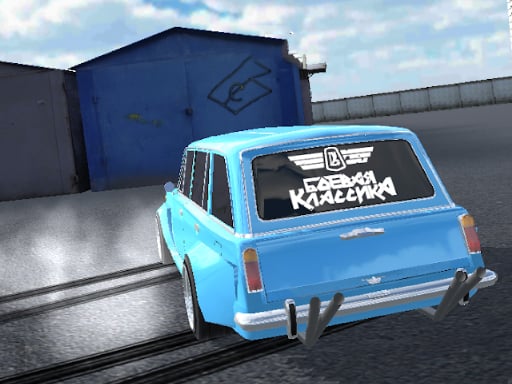
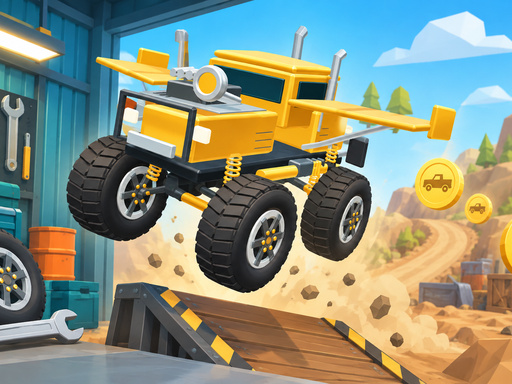
You find yourself standing in a dusty lot surrounded by rusted metal and broken dreams. This is your starting point. In Junkyard Builder 3D, you transform scrap heaps into high-performance machines. You build a custom offroad Truck and test its limits across 10 different driving worlds. Every run earns you coins to fund your next big project. You can refine every detail through deep car tuning, from the heavy-duty suspension to the roaring engine. Whether you want a rugged beast or a flashy showpiece, the choice stays yours. PlayHop brings this gritty mechanical experience directly to your screen.
Master the Controls of Junkyard Builder 3D
Precision matters when you are navigating rough terrain or landing massive jumps. Use these controls to manage your vehicle and dominate the dirt:
- Desktop A D or Left Right arrows to steer
- S or Down arrow to brake
- W or Up arrow for extra acceleration
- Space for turbo
- Click garage parts to buy and install upgrades
- Mobile use the on-screen steering brake and turbo buttons
Winning Strategies for Junkyard Builder 3D on PlayHop
Success requires more than just hitting the gas. You need to manage your resources wisely to climb the driver career ladder. Focus on earning XP by driving aggressively, collecting items scattered across the maps, and landing big jumps. Higher levels unlock new contracts that pay out significant coin rewards. Spend your coins on the 10 different part categories like wheels and turbo to improve your Driving capabilities. Don't forget the cosmetic side; use your earnings to buy custom paint and flags to make your build unique. Check back often to claim your free reward-wheel spin every ten minutes. If you fail a run, hit Play Again immediately to beat your previous record and keep your momentum high.
Grab your tools and start building your legacy. Visit PlayHop to start your career and build the most powerful machine in the junkyard today.
Desktop A D or Left Right arrows to steer S or Down arrow to brake W or Up arrow for extra acceleration Space for turbo Click garage parts to buy and install upgrades Mobile use the on-screen steering brake and turbo buttons