Master the Heights in Going Up Rooftop
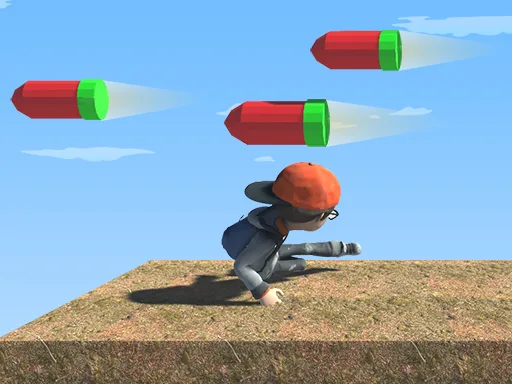
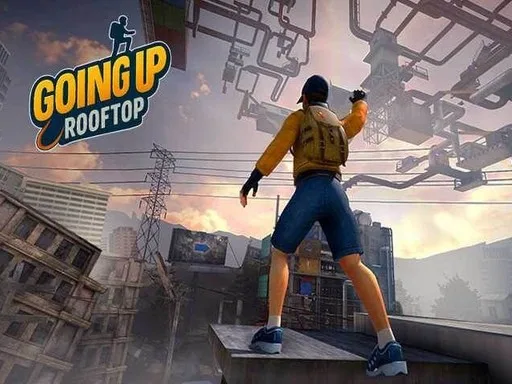
You stand at the base of a massive city skyline. Your goal is simple: reach the top. Going Up Rooftop delivers a high-stakes 3D parkour experience where every ledge matters. You must scale walls, leap across gaps, and navigate complex architecture to ascend. This 3D game tests your reflexes as you slide, roll, and ride ziplines through a sprawling urban environment. Whether you follow the Story mode, tackle pure Parkour runs, or push your limits in Climb and Jump mode, the climb never gets easier. Watch your stamina levels closely. If you run out of breath at the wrong moment, you fall. Grab coins to unlock new outfits and show off your style on PlayHop.
Controls and Mechanics of Going Up Rooftop
Mastering your movement is the difference between a perfect run and a long fall. Use these controls to navigate the city obstacles:
- Move with WASD or the arrow keys
- Space to jump and to grab the next ledge
- Shift to sprint
- Ctrl to crouch and crawl
- Hold the climb key to move faster on ladders and poles
- Move the mouse to look around and steer the camera
- On touch devices use the on-screen controls
Pro Skills for Going Up Rooftop Success
Success in this action adventure requires more than just button mashing. You need precise timing and spatial awareness. Use scaffolding, poles, and ladders to your advantage to find the fastest route upward. Pay attention to the changing weather. Rain makes surfaces slippery, snow adds weight, and wind can throw off your jump trajectory. These environmental factors turn a standard arcade run into a true test of skill. Always aim for the checkpoints to save your progress, and keep an eye out for coins to upgrade your character's look. Practice your stunts and refine your running lines to conquer the highest peaks in the city.
Test your agility and climb the skyline now. Head over to PlayHop to start your ascent and see how high you can go.
Move with WASD or the arrow keys Space to jump and to grab the next ledge Shift to sprint Ctrl to crouch and crawl Hold the climb key to move faster on ladders and poles Move the mouse to look around and steer the camera On touch devices use the on-