Deadpack


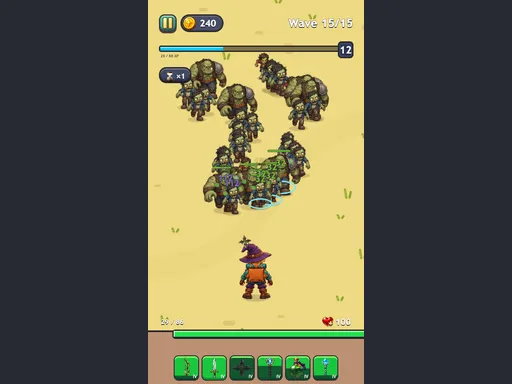
Deadpack drops you into a 1 Player Action experience where every Battle hinges on the gear you carry. You open a limited backpack, fill it with swords, bows, shurikens, and magical weapons, then merge matching items into stronger versions. Your hero attacks automatically, but you decide the loadout before each wave. Gold earned from victories expands the backpack and upgrades the arsenal. Eight acts with fifteen waves each test your ability to adapt. PlayHop delivers a tight loop of preparation and combat that rewards smart inventory choices.
Controls are simple and direct. You use the mouse or touch to navigate menus, drag items, and trigger merges.
Prioritize merging early to free space for high‑tier weapons. Keep a balanced mix of melee, ranged, and magic so you can counter varied enemy types. Spend gold on backpack expansions before upgrading individual items; a larger grid unlocks more merge pathways. Watch boss patterns and swap gear between waves to exploit weaknesses. Level‑up choices should reinforce your dominant damage type rather than spreading points thin. Consistent tweaks between runs turn a decent run into a dominant one.
Grab your backpack, merge your arsenal, and dominate every wave on PlayHop today.